
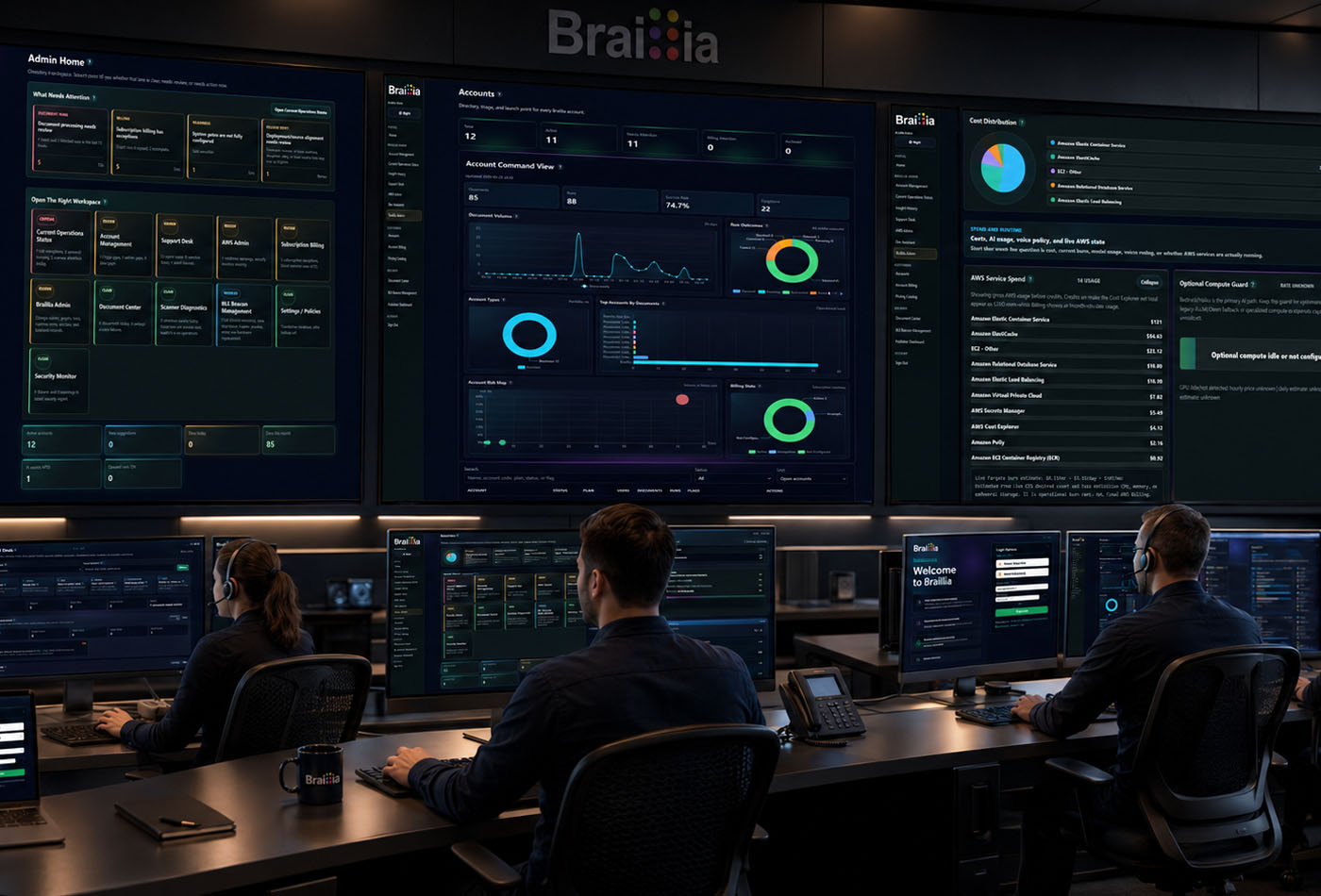
Braillia organization administration interface showing network processing, control points, delivery workflows, and operational oversight.
Company Admin
Your organization stays in control of remediation and delivery.
Braillia Company Admin gives authorized teams a secure workspace to manage users, roles, branding, account settings, subscription access, remediation workflows, delivery oversight, evidence, and mobile access controls as Braillia scales from pilot to program.
Admin controls
- Manage the people, roles, account settings, remediation workflows, and delivery permissions behind Braillia.
- Support portal delivery, direct delivery, QR pickup and SMS text delivery, API-connected workflows, evidence, and mobile access from one operational layer.
- Keep organization branding, subscription access, remediation status, and delivery controls aligned as usage grows.
- Give accessibility, operations, and administration teams clearer control around established internal systems.
Browser access
UsersRolesRemediationBrandingEvidenceMobile access
Company Admin gives organizations an operational control layer for users, roles, branding, subscription access, remediation workflows, delivery evidence, and mobile access controls.
Operational control
Give teams one place to govern remediation, delivery, and user access.
Braillia Company Admin is the operational control center for accessible communication at scale, giving organizations a practical way to manage the people, settings, identity, remediation workflows, evidence, and delivery controls behind the Braillia experience.
Authorized users
Roles and permissions
Remediation workflows
Brand presence
Subscription access
Delivery controls
Evidence and oversight
What admins coordinate
One place to manage the operating pieces behind real-time access.
When Braillia moves from pilot to daily use, teams need clear administration. Company Admin helps the organization manage the operational details that make remediation, delivery, and guided independent access dependable.
Remediation workflow governance
Give authorized teams oversight of document accessibility work, remediation status, accessible output readiness, and the handoff into Braillia delivery paths.
People and permissions
Give authorized administrators a clear place to manage users, roles, access boundaries, and the teams responsible for remediation, delivery, and accessibility operations.
Delivery workflow oversight
Support document publishing, direct delivery, QR pickup and SMS text delivery, message delivery, mobile access tools, delivery evidence, and operational settings from one administrative workspace.
Brand and account governance
Keep organization identity, account settings, subscription access, billing visibility, governance, and delivery presence aligned as the program expands.
Scale oversight
Your company stays in control as remediation and delivery expand.
Braillia can support remediation, portal upload, API delivery, QR pickup and SMS text delivery, messages, mobile access, AI-assisted document understanding, and evidence. Company Admin gives organizations the management layer around those workflows.
Remediation statusAccessible outputPortal deliveryAPI workflowsDirect delivery controlsMobile access toolsUser rolesBrand settingsSubscription accessEvidence records
Give accessibility teams an operating layer they can manage.
Company Admin helps organizations scale document accessibility while maintaining clearer oversight for the users, controls, branding, permissions, subscription access, remediation workflows, evidence, and delivery paths behind the Braillia experience.
Pilot readinessProgram governanceRemediation oversightDelivery evidence
Buyer questions
Get the answers your team needs to move forward.
Government and business teams can begin with one accountable workstream, then expand the operating model only when another accessibility responsibility requires it.
Who uses Braillia Company Admin?
Braillia Company Admin is for authorized organization administrators who manage users, roles, account settings, branding, subscription access, remediation workflows, delivery controls, evidence, and mobile access workflows.
Does Company Admin require engineering support for every change?
Company Admin gives authorized teams a secure workspace for routine account, user, branding, remediation, evidence, and operational settings, reserving engineering support for deeper implementation work.
How does Company Admin support document accessibility at scale?
It centralizes account controls, user permissions, branding, subscription access, remediation workflows, delivery workflows, evidence, and mobile access oversight so accessibility programs can move from a small pilot into a more dependable operating model.
How does Company Admin connect to API and portal delivery?
Company Admin gives organizations the administrative layer around Braillia remediation and delivery paths. Portal workflows, API-connected delivery, direct delivery, QR pickup and SMS text delivery, mobile access, users, roles, evidence, and organization settings can be managed with clearer operational oversight.
Prove the access path with one critical workflow.
Show us where people are being blocked. Braillia will define the remediation, delivery, and guided access path your team can evaluate.